RawToJPG
Convert camera RAW photos, including CR2, CR3, NEF and ARW, to JPG on Android, iPhone and iPad. Your original files stay on your device.
App screens
See the actual app flow in seven steps, from file selection to completed conversion.
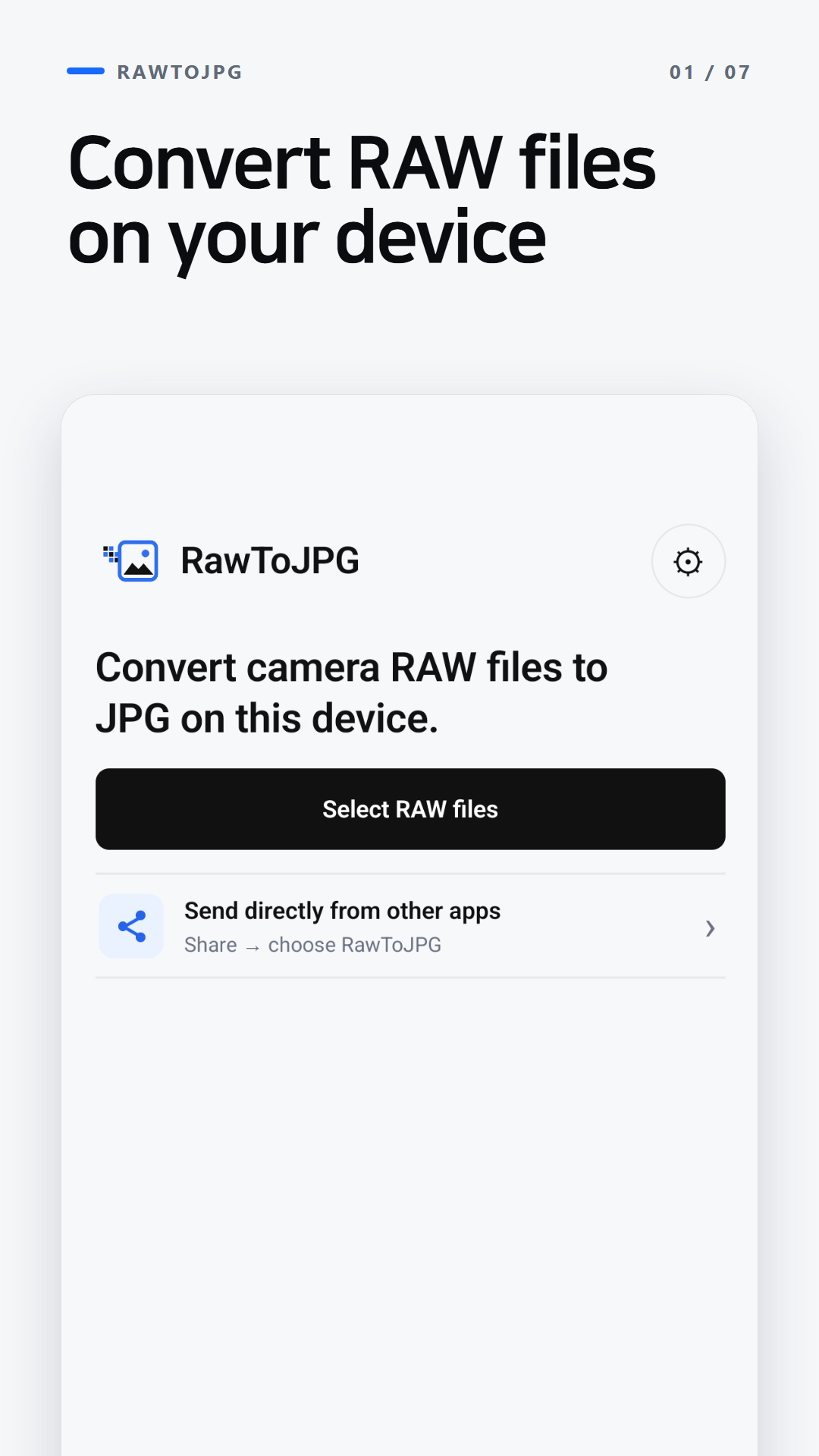
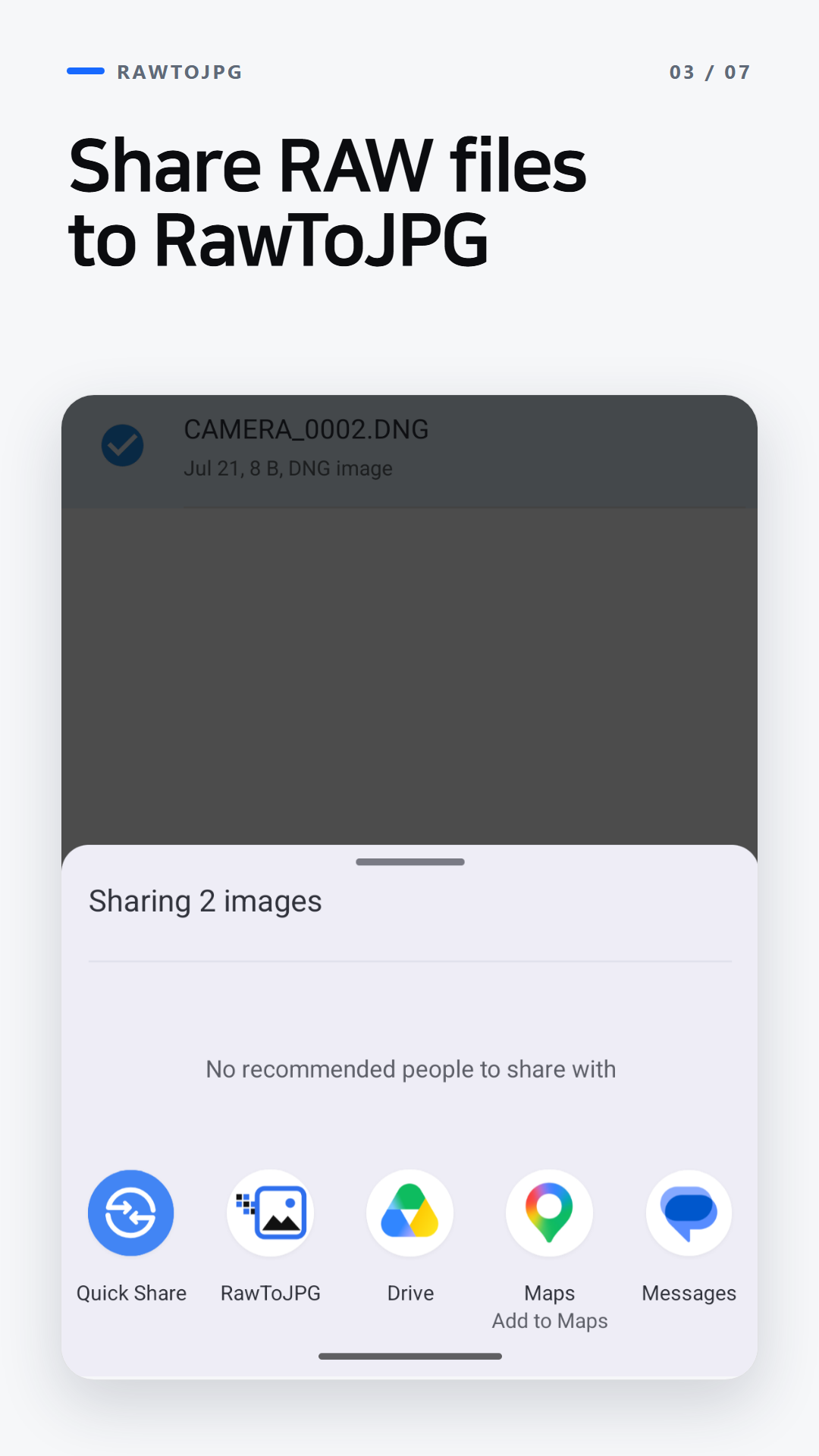
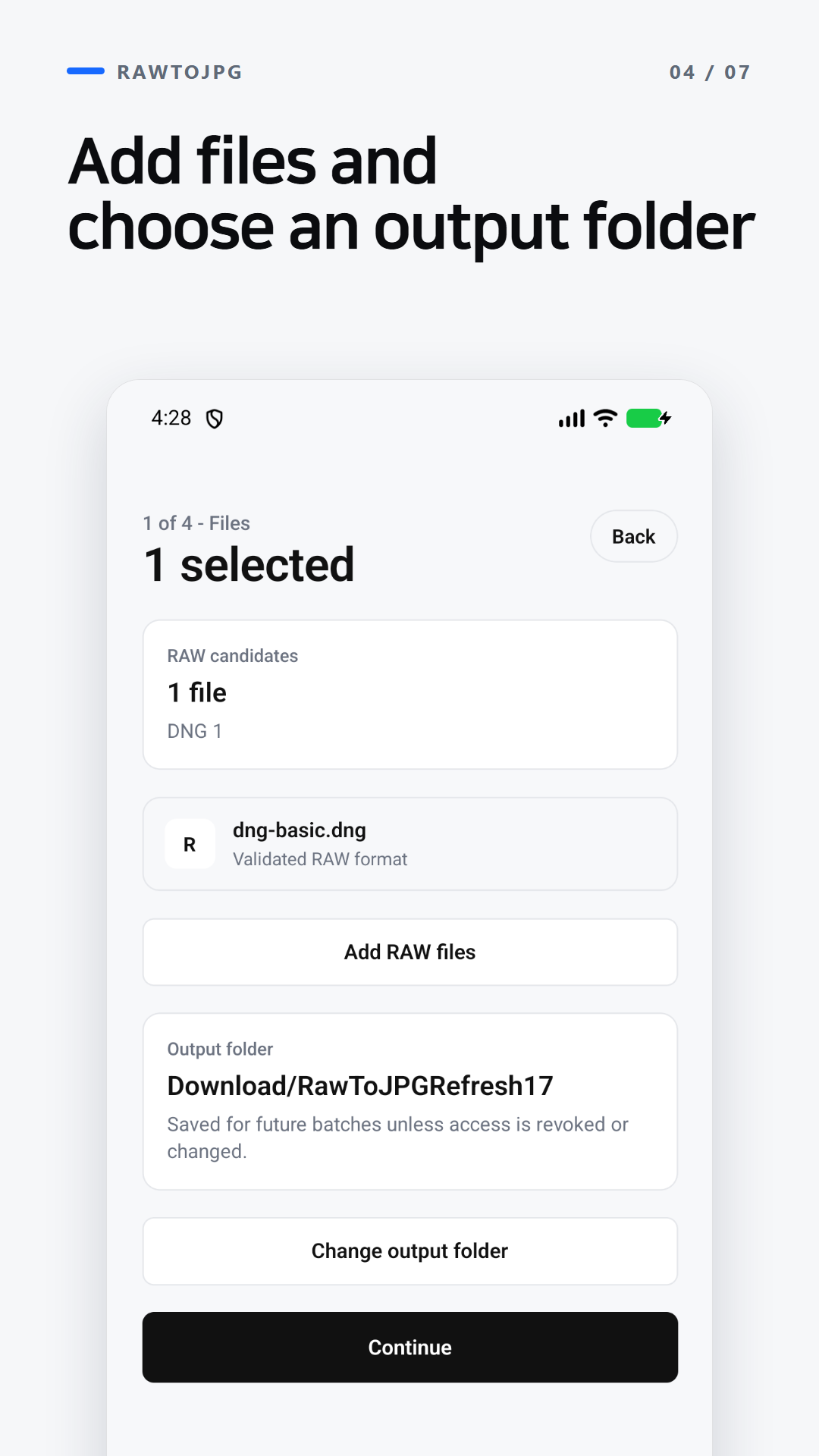
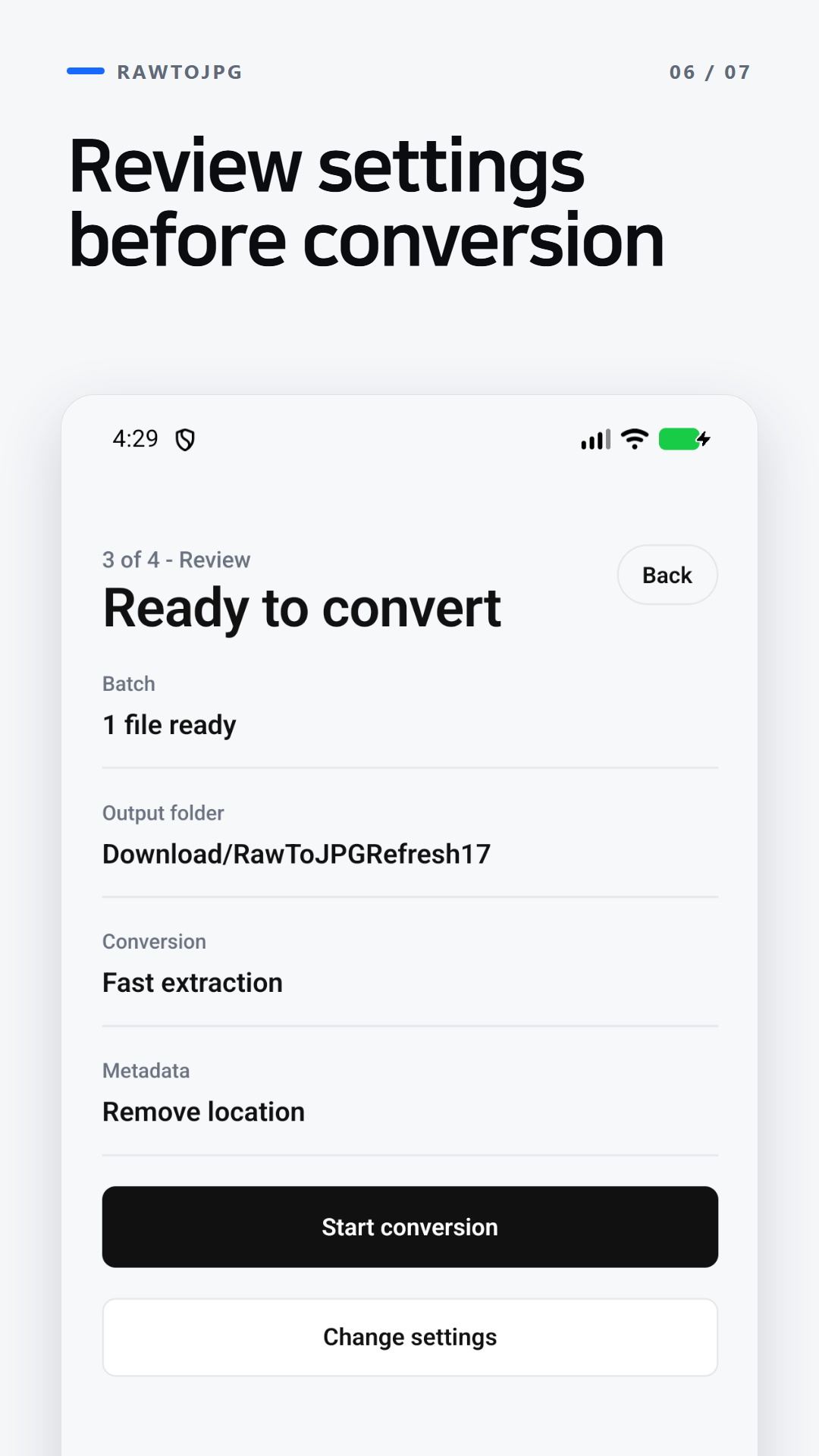
Home — Select RAW files or a folder
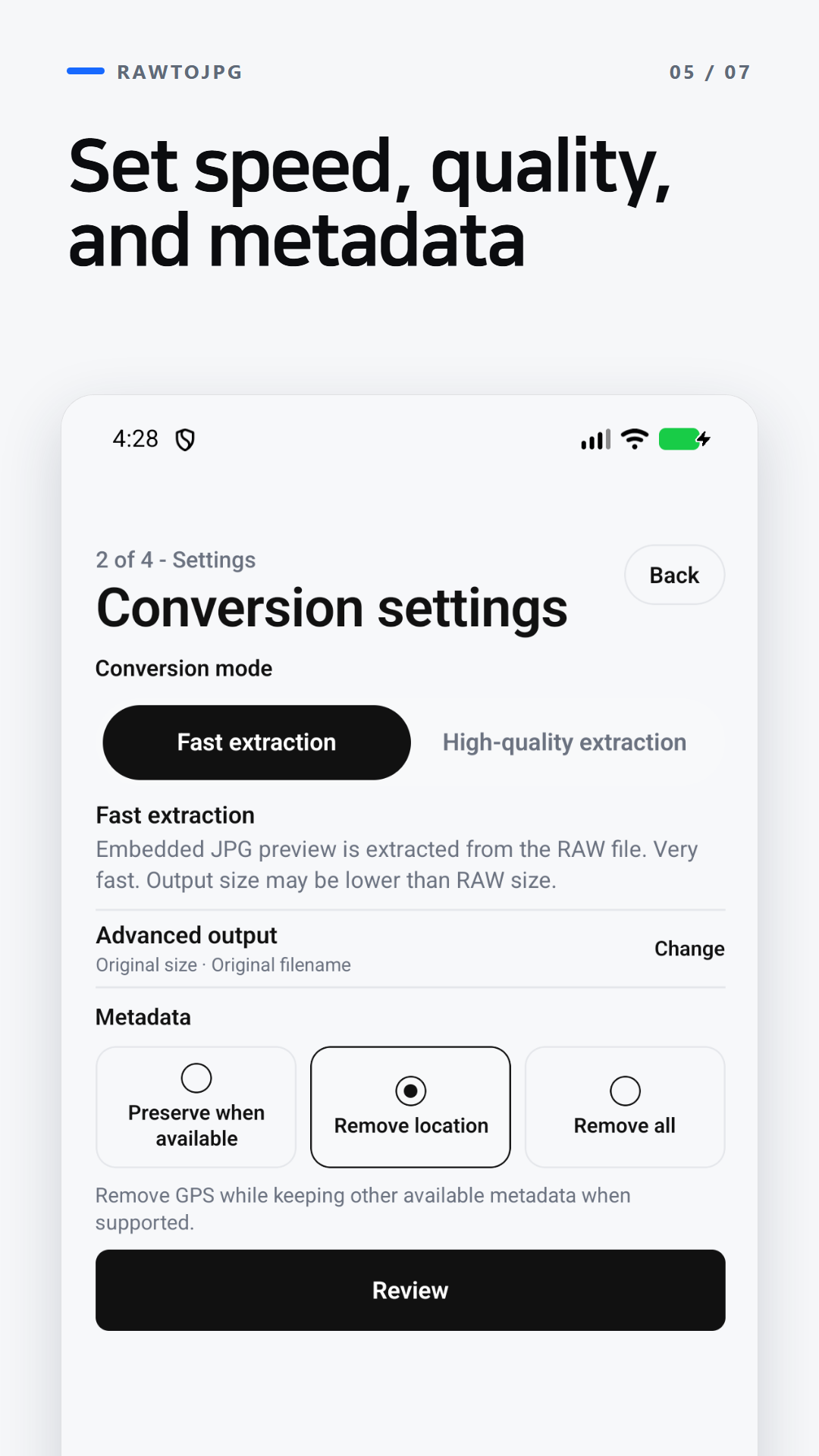
Choose between speed and higher-quality output.
Fast extraction uses an embedded JPG preview when available. High-quality extraction develops the RAW file and creates a JPG at quality 80, 90, or 100. An embedded preview may not match the RAW file's full resolution.
Decide what information remains in the exported JPG.
Choose to preserve metadata, remove location data, or remove all metadata. Check the exported JPG before sharing a sensitive file.
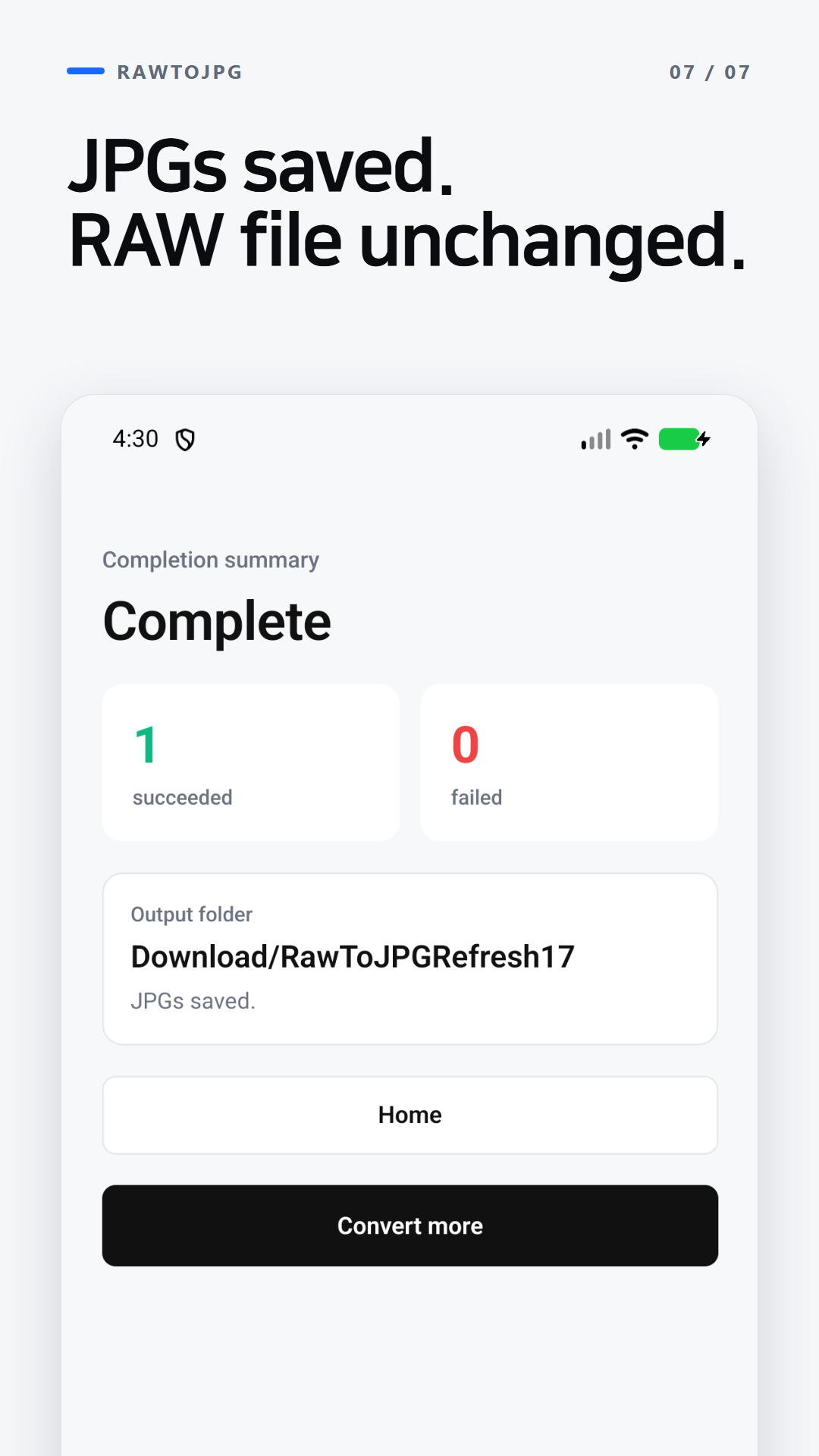
Preserve the original and save only the JPG to the selected folder.
RawToJPG does not modify the original RAW file. You can save a default output folder and choose a different output folder for each conversion batch.
Verified RAW formats
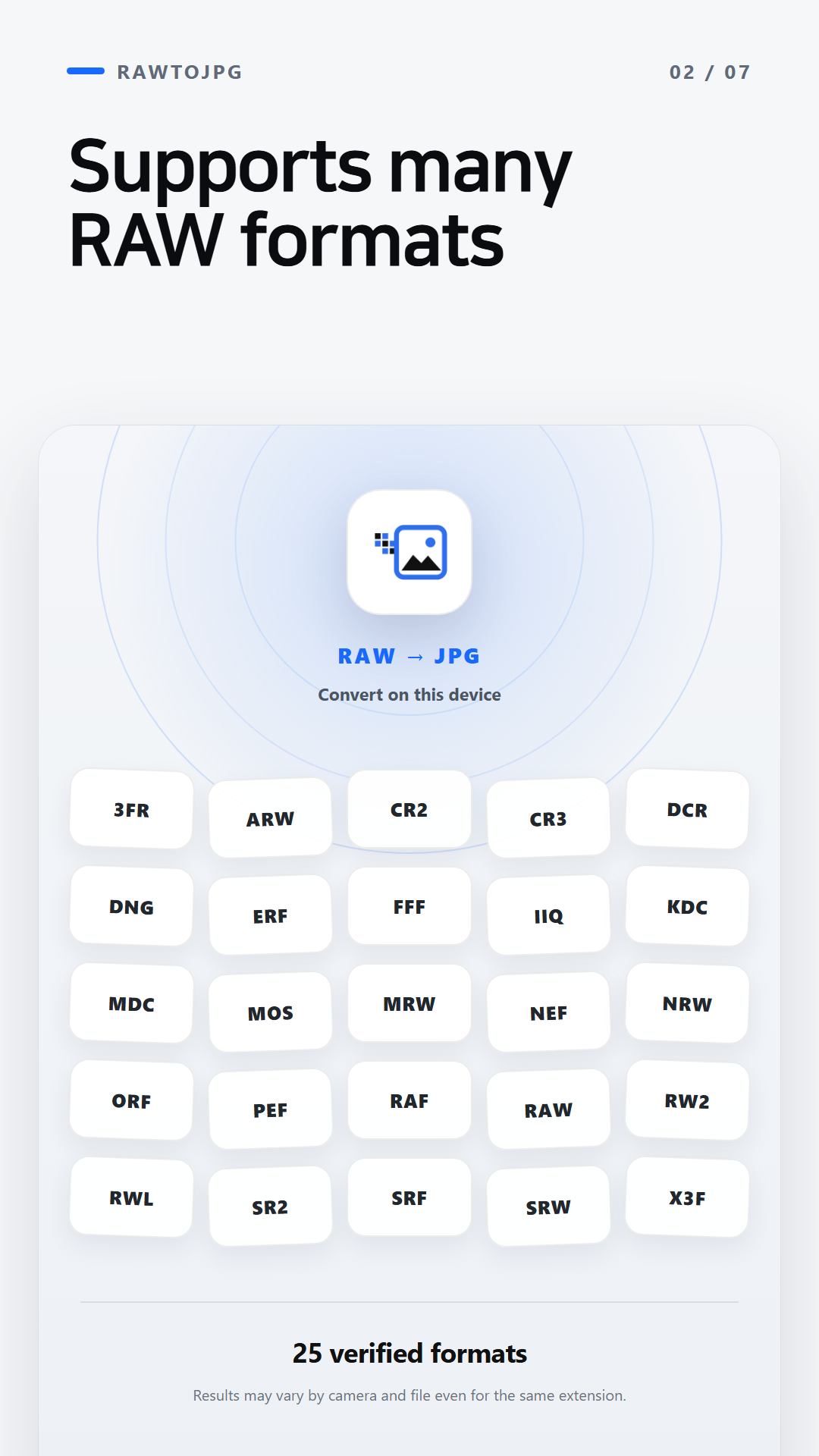
The formats below were verified with sample files. Results can vary by camera and file even when they use the same extension.
- Android · 25 formats 3FR, ARW, CR2, CR3, DCR, DNG, ERF, FFF, IIQ, KDC, MDC, MOS, MRW, NEF, NRW, ORF, PEF, RAF, RAW, RW2, RWL, SR2, SRF, SRW, X3F
- iOS · 16 formats 3FR, ARW, CR2, CR3, DNG, ERF, FFF, KDC, NEF, NRW, PEF, RAF, RAW, RW2, RWL, SR2